Controls & HUD in My Cafe
Learn the cafe interface on PC and mobile before rushes overwhelm you.
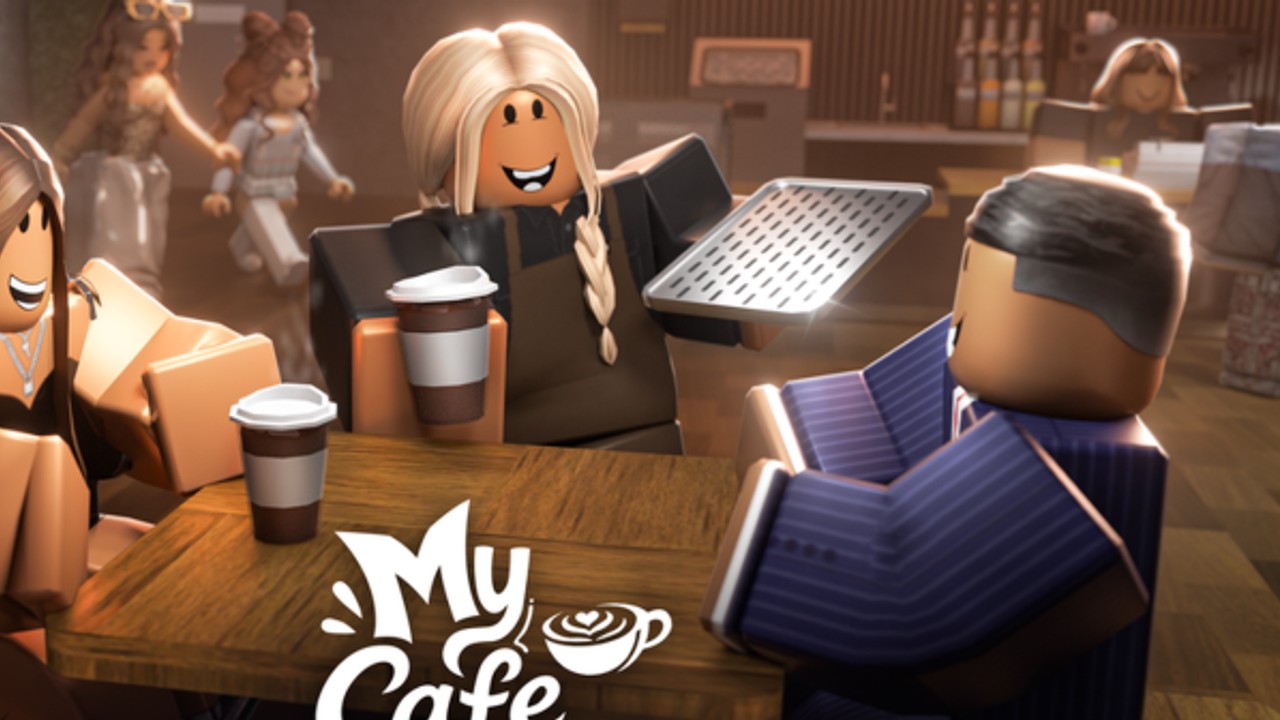
Clean control habits separate calm cafe owners from frantic clickers in Roblox My Cafe. This guide maps the practical HUD and input patterns for SeydoLiszt’s early-development tycoon (place 133345376331809) without inventing unfinished button art that may rename after the next patch.
Platforms and session basics
My Cafe runs inside the Roblox client on PC, mobile, and console-capable devices. Servers hold up to five players. Voice chat is not supported, so everything you need lives in on-screen panels and proximity to stations.
Before optimizing hotkeys, confirm you joined the correct experience via the Links Hub. Wrong-game guides for Melsoft mobile or My Gaming Cafe will describe HUDs that do not exist here.
Camera and movement
- Move with standard Roblox locomotion toward the counter, door, and pastry lane.
- Orbit or pinch-zoom so you can see both the entrance and the active brew station.
- Keep special customers in frame — they drop Enchant Tokens as explained in Special Customers.
- After customization props land, re-check sightlines; tall decor can hide spawn cues (Pastries & Customization).
On mobile, lower UI scale clutter by rotating into a three-quarter view of the floor rather than a top-down nest of icons.
Core service interactions
The official loop is make drinks, serve customers, expand, hire/upgrade, and enchant. Controls follow that loop:
- Approach the highlighted brew / order station from How to Play.
- Confirm the drink prompt, then deliver to the waiting guest.
- Scoop cash indicators before starting the next ticket.
- Interrupt ordinary work when a special customer appears.
If prompts feel missing after a Big Update, rejoin once — early builds sometimes fail to refresh soft UI until a fresh session.
Hire, upgrade, and enchant panels
Open the worker panel when queues grow. Hire a keeper, apply cash upgrades, then spend tokens using Hire & Upgrade and Enchant Workers. Exact iconography can shift while Iris’ Secret iterates, so learn the purpose of each panel rather than a single pixel coordinate.
Codes and settings surfaces
When promo codes exist, look for a Codes / Gift / gear entry near the left or top HUD, then paste carefully as documented on the Codes Hub. If the button is absent, the feature may be disabled for the current build — do not chase phishing “redeem sites.”
Gamepass-related UI
VIP, Auto Order, 3x Customer Luck, and 2x Cash appear through Roblox’s standard gamepass purchase flow. Auto Order reduces manual ticket pressure; it does not replace camera discipline. Value notes live in Gamepasses.
Expansion and station placement clicks
Expansion purchases usually sit in a build / upgrade shop tied to your plot. Buy seating only when service rate keeps up (Expand Cafe). After placing pastry stations, walk the path door → counter → seat to confirm workers are not blocked.
PC vs mobile checklist
PC
- Bind comfortable camera orbit
- Use higher FOV to watch the door while brewing
- Keep the worker panel one click away during rushes
Mobile
- Thumb reach for serve buttons first
- Avoid covering the entrance with your hand UI
- Rejoin if touch targets stop responding after a long session
Troubleshooting unresponsive controls
- Rejoin the experience
- Verify place ID still matches
133345376331809 - Clear obstructing decor
- Check Updates for HUD reshuffles
- Ignore scripts that promise “unlock all UI” on the Scripts Hub
Practice drill
Spend ten minutes serving without expanding. Count how often you lose sight of the door. Adjust camera until specials are impossible to miss, then continue with Getting Started priorities.
Mastering controls is not about memorizing unfinished icons — it is about keeping the three meters (incoming, service, capacity) visible at all times while My Cafe is still early development.
Frequently Asked Questions
Quick answers to the most common My Cafe questions.
Does My Cafe support custom keybinds?
It uses standard Roblox movement and on-screen interactions. Focus on camera placement and panel access rather than exotic binds.
Why can’t I find the Codes button?
Early builds may hide or move it. Confirm you are in SeydoLiszt’s My Cafe, then rejoin after updates.
Is voice chat available?
No. The experience listing marks voice chat as not supported.
Do controls differ after the pastries update?
You may gain extra station interactions, but the drink lane and special-customer interrupt priority stay central.