Getting Started in My Cafe
A day-one walkthrough for SeydoLiszt’s Roblox cafe tycoon.
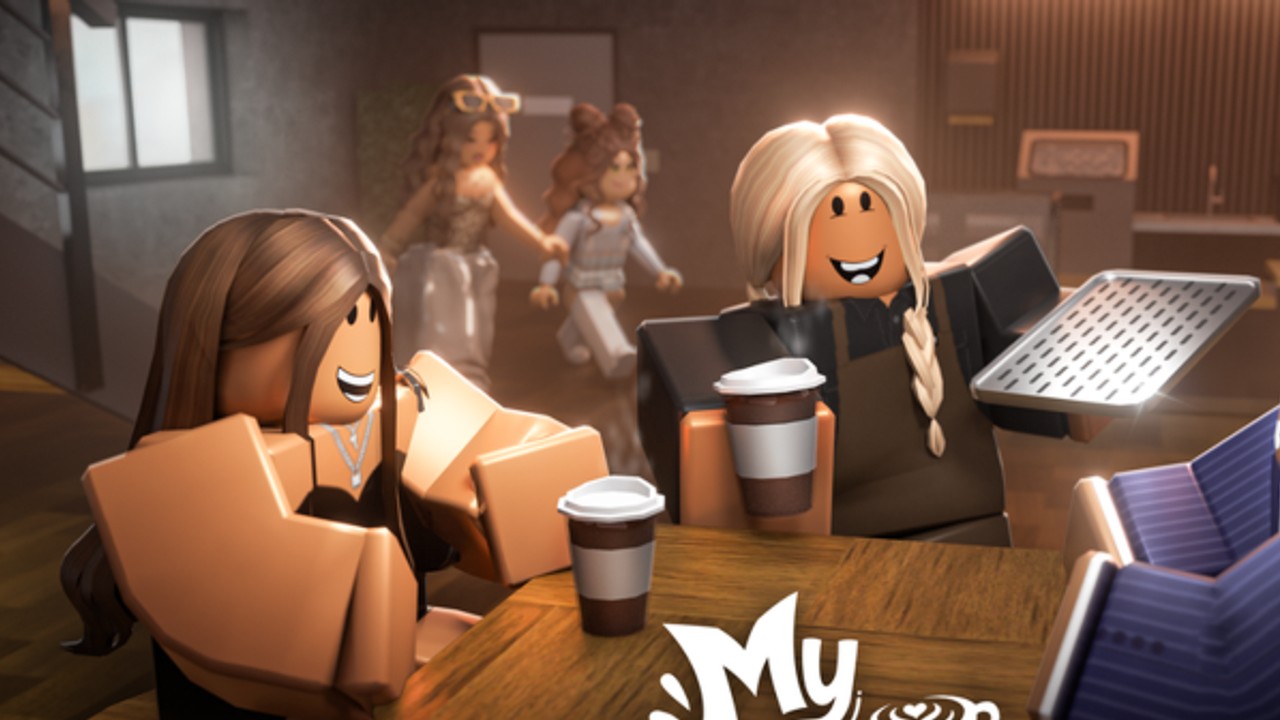
My Cafe on Roblox is an early-development simulation tycoon where you brew drinks, serve customers, grow the floor, hire workers, and enchant staff with tokens from special guests. This getting-started guide assumes zero prior knowledge and keeps you on the correct experience — place ID 133345376331809, creator credit @SeydoLiszt, group Iris’ Secret.
Confirm you joined the right game
Search results are noisy. Before investing time, verify:
- Title resembles My Cafe (often with a cake/coffee emoji prefix on Roblox)
- Creator / description mentions SeydoLiszt
- URL contains
/games/133345376331809/ - Genre reads Simulation / Tycoon with a small server size (5)
If you landed in My Cafe Tycoon, My Gaming Cafe, Hello Kitty Cafe, or the Melsoft mobile app, leave and open the official My Cafe page from our Links Hub.
First five minutes
- Favorite the experience and join a server.
- Read the on-screen how-to: make drinks, serve customers, expand, hire/upgrade, collect Enchant Tokens.
- Complete whatever tutorial prompts appear — early builds still teach the serve loop first.
- Serve several ordinary customers yourself so you understand timing before hiring.
- Open Codes in another tab and redeem anything currently verified (often none during quiet weeks).
Expect placeholder art. The developer explicitly warns that visuals and features may change.
Understand the core loop
Profit comes from turning waiting customers into completed drink (and later pastry) orders. Expansion increases how many guests you can host; workers increase how many orders you can finish; Enchant Tokens multiply the best workers. Buying expansion before you can serve is the most common beginner mistake — see Expand Cafe for timing rules.
Day-one purchase order
- Stabilize manual serving using How to Play.
- Hire your first reliable worker via Hire & Upgrade.
- Upgrade that worker before hiring a crowd of weak helpers.
- Expand seating only when queues stay short.
- Save Enchant Tokens for the S-tier priority on the Tier List.
- Peek at Gamepasses only after you understand the free loop — Auto Order and 2x Cash are convenience, not a tutorial skip.
Special customers and tokens
When a special customer appears, prioritize them. They are the stated source of Enchant Tokens. Do not spend the first tokens on a worker you plan to replace. Full details live in Enchant Workers.
After the Customization + Pastries update
Once your drink loop is stable, explore pastry stations and customization options covered in Pastries & Customization. Decor is fun, but empty shelves do not pay workers.
Session checklist (bookmark this)
- Redeem codes
- Clear customer queue
- Collect loose cash / tokens
- Upgrade S-tier worker if affordable
- Expand only if service keeps up
- Skim Updates if the Roblox page shows a new event banner
Common beginner traps
- Following guides written for Melsoft’s mobile My Cafe recipes
- Redeeming Tycoon codes from a different place ID
- Enchanting a temporary hire
- Buying VIP cosmetics before Auto Order or cash multipliers (if you spend Robux at all)
- Ignoring early-dev warnings and rage-quitting over unfinished meshes
What success looks like after one hour
You can explain the serve loop, you have at least one upgraded worker, seating matches your throughput, and you are holding Enchant Tokens for a deliberate spend. From there, deepen mastery with the Guides Hub and keep Scripts closed unless you accept ban risk on an alt.
Welcome to the counter — keep this page handy until the muscle memory sticks.
Fifteen-minute practice drill
Set a timer. For fifteen minutes, ignore cosmetics entirely. Count how many customers you serve, how many walk out, and whether any special customer appeared. If walkouts exceed a couple, stay on this drill for another round before hiring. If specials appeared and you missed them, adjust your camera and repeat. This drill builds the instincts every later guide assumes you already have.
Bookmark pack
Keep these tabs ready while you learn: this page, How to Play, Codes, Workers Hub, and Updates. Closing the wrong-game Melsoft wiki tabs is part of the drill — search pollution is a real beginner hazard for My Cafe.
Frequently Asked Questions
Quick answers to the most common My Cafe questions.
Is My Cafe finished?
No. The Roblox description marks it as early development with placeholders and systems that may change.
Do I need gamepasses to start?
No. Learn the free loop first. Gamepass value notes are optional reading on the gamepasses guide.
Where do Enchant Tokens come from?
Special customers. Prioritize them, then spend tokens using the enchant guide and tier list.
Why can’t I find codes?
This game often has no public codes. The Codes Hub stays empty until a string is verified for this place.